
How much do you know about digital display universal testing machines?
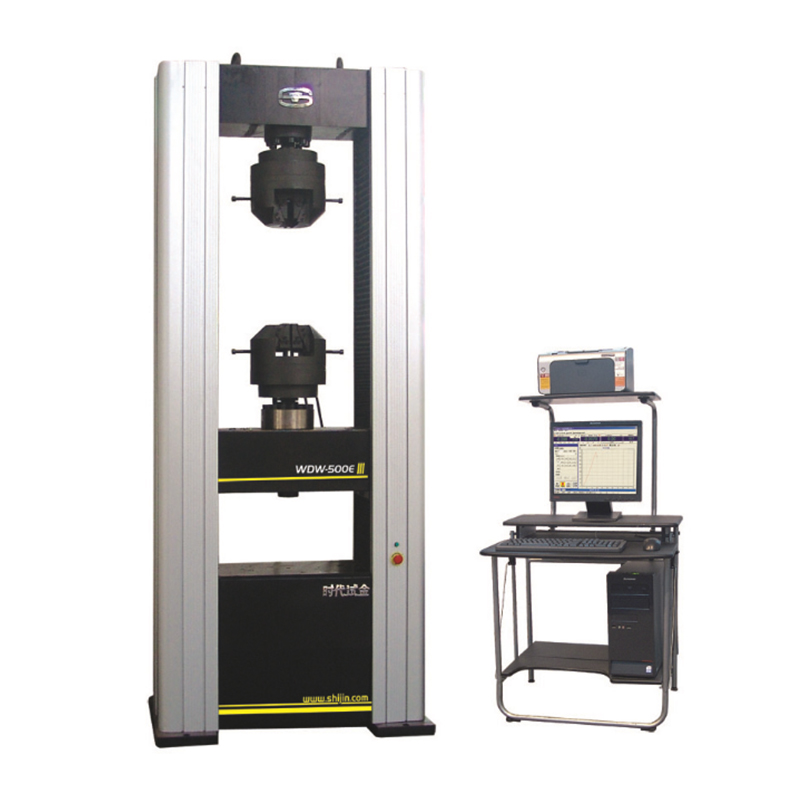
How much do you know about digital display universal testing machines?
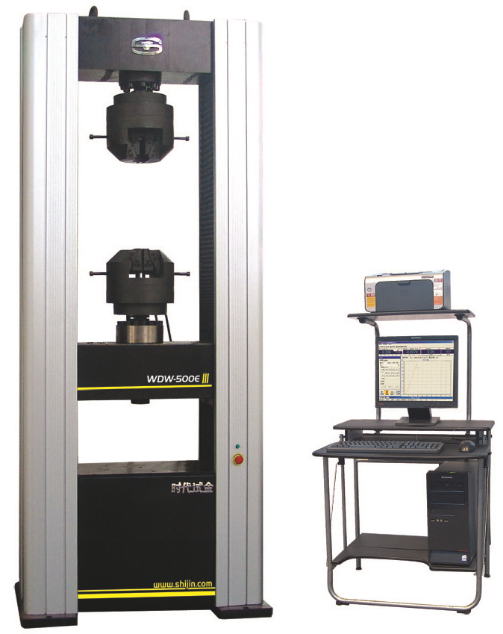
1. First, connect the digital display universal testing machine to the power supply. Turn on the air power switch to connect the system power, turn on the display switch, select the load range according to the sample, and input the known conditions of the sample.
2. Turn on the oil pump motor, and open the oil supply valve to raise the piston a short distance, suspending the oil cylinder. Select and install different tools depending on the test. For example, for tensile tests, select and install jaw clamps.
3. Place the sample on the main body of the testing machine. For tensile tests, turn on the oil pump switch, clamp one end of the sample into the jaws at least 4/5 of its length, turn on the upper jaw electric switch to clamp the sample, move the crossbeam until the sample is in the upper jaw and at least 5/5 of its length, then stop the rise and turn on the lower jaw electric switch to clamp the sample.
4. Turn on the oil pump switch to start the oil pump. According to the required loading rate, slowly open the oil supply valve to conduct the test. When the sample breaks, close the oil valve and stop the oil pump motor.
5. Record the values from the digital display screen or print the data directly from the mini printer. After confirming the data is correct, open the oil return valve to return the instrument to its initial state.
6. Remove the fractured sample, turn off the digital display universal testing machine's screen display switch, turn off the air switch and power supply, and wipe and clean the instrument surface.